Explore
What is orientation? The first weeks at a new job
Orientation is how a new hire learns the work, the team and the rules. The process, a checklist, and where software actually helps.
Published 19 August 20264 min read
Orientation starts after someone is hired. The contract is signed. What remains is making sure they are not lost in week one. Who they report to, which systems they use, when the safety walk happens, what the first real task is: that is orientation.
In English-speaking teams the same package is usually called onboarding. In Turkish workplaces the word is oryantasyon. Both names point at the same door. The difference is which language people search in.
Orientation is not recruitment
Recruitment ends with the advert, the interviews and the offer. Orientation starts after that. When the two are mixed, two failures show up:
- HR treats hiring as done, the manager assumes they have "already started", and the new person cannot ask anyone a question for two weeks.
- L&D prepares a long content catalogue and nobody writes down what must be finished on day one.
The orientation question is this: when does this person deliver the first piece of work for their role, on their own?
What the process looks like
A working orientation is spread across a calendar. It is not crammed into a single day.
Day one
Accounts are open. Laptop, email, door badge, the basic tools are waiting. The new hire meets a named host, walks the emergency routes, and gets a "who do I ask today" list. The output of day one: they can log in, and they know who to call tomorrow.
Week one
The role is placed on the map. The team, the customer, the tools, the systems labelled "do not touch yet". A small, real task is given: fix a record, read a report, sit in on a call. Training sits around that task. The task does not sit around a slide deck.
Day 30, 60, 90
By day 30 they should handle routine work without help. By 60 they recognise the exceptions they will keep seeing. By 90 they produce what the role is measured on. These three stops are short conversations with the manager, not a copy of the annual review form.
What orientation training covers
Content changes with the role. The spine does not:
- The company: what is sold, to whom, which values actually show up in the work
- The people: manager, peers, the "ask X about this" list
- The tools: which system, for which job, whose approval
- The rules: safety, privacy, site or office procedure
- The role: first task, quality bar, who it is handed to
A library of videos does not replace this list. Video carries the "why it is like this" part. "Was the account opened, did the walk finish, was the first task delivered" is a separate follow-up.
Checklist: first 30 days
This set fits most office and field roles. Yours can be shorter. What matters is that each line has an owner.
- Hardware and accounts are ready before day one.
- The host is named; a backup is named too.
- The safety and emergency walk is recorded.
- Mandatory training (if any) is assigned with a due date.
- The small task for week one is described.
- The day-30 conversation is on the calendar.
- Every open line shows whose job it is.
Why orientation stalls
The usual causes are not technical:
- No owner. HR says it is the manager's job; the manager says it is HR's.
- One package for everyone. A field technician and a finance analyst watch the same 40 slides.
- Day one is left to chaos. Accounts open late, the host is on leave.
- It is declared done and never measured. On day 90 the person is still walking around asking who to talk to.
All of this comes from the process not being visible. Who is where, which line is open, who is late: without that table, orientation is a wish.
Where software helps
Orientation is a natural fit for an LMS, because assignment, completion and evidence live in one place. On learn.place that is the spine of the employee onboarding scenario:
- Programmes by role: field, office and manager are not the same path
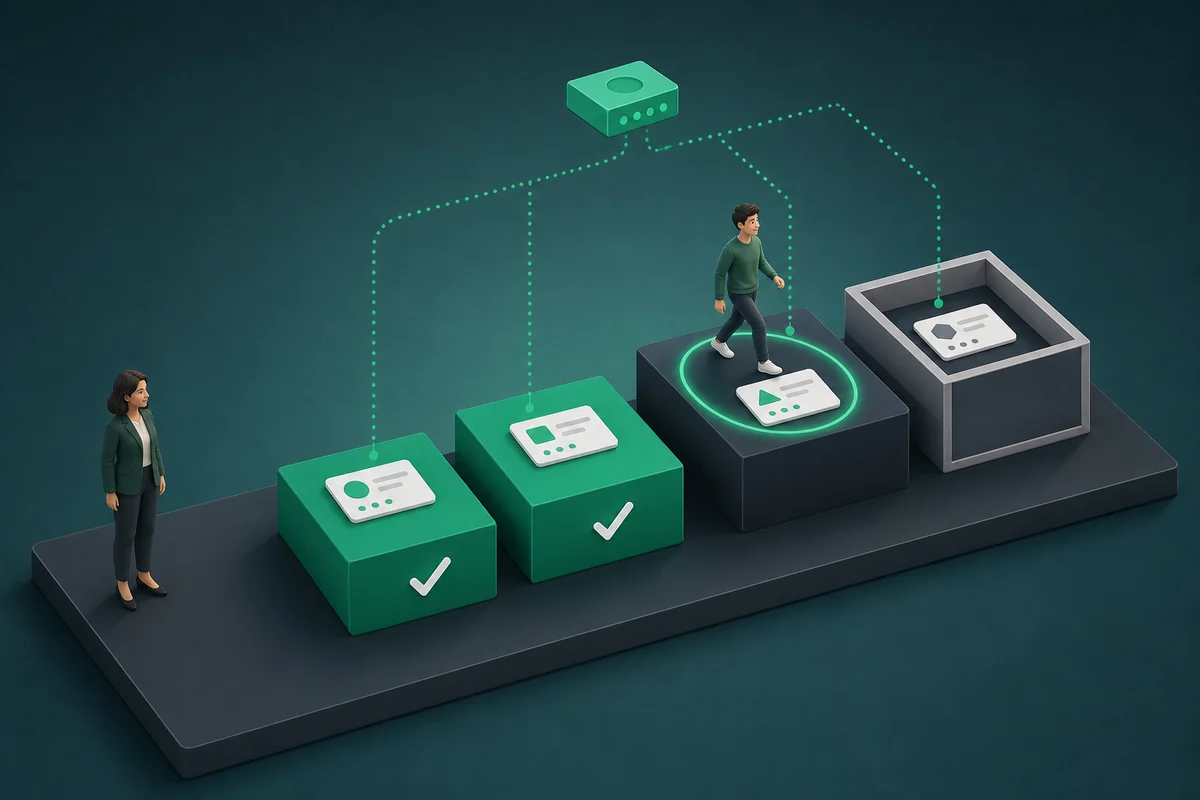
- The next step stays closed until the required piece is done
- A manager sees a late line on a list, not in a corridor conversation
- "Who finished which version on which day" is ready when an audit asks
Software does not write your policy. Your rules, your work, your list. Software keeps the list from vanishing.
Build the orientation programme in learn.place
Go to the onboarding page