Explore
What is an LMS? A guide to learning management systems
An LMS runs training as assignment, tracking, exams and records, not as a slide dump. What it does, what it is not, and when you need one.
Published 22 August 20263 min read

An LMS is a learning management system. In Turkish workplaces the same thing is often called öğrenme yönetim sistemi or EYS. All three names point at one job: software that holds who completed which content, in which window, under which rule, in one place.
A video archive is not an LMS. A class calendar is not an LMS. A site people browse when they feel like it is not an LMS. The LMS question is not "is there content?" It is "did this person finish this work, and is the proof still there?"
What an LMS is for
Four jobs sit under one roof.
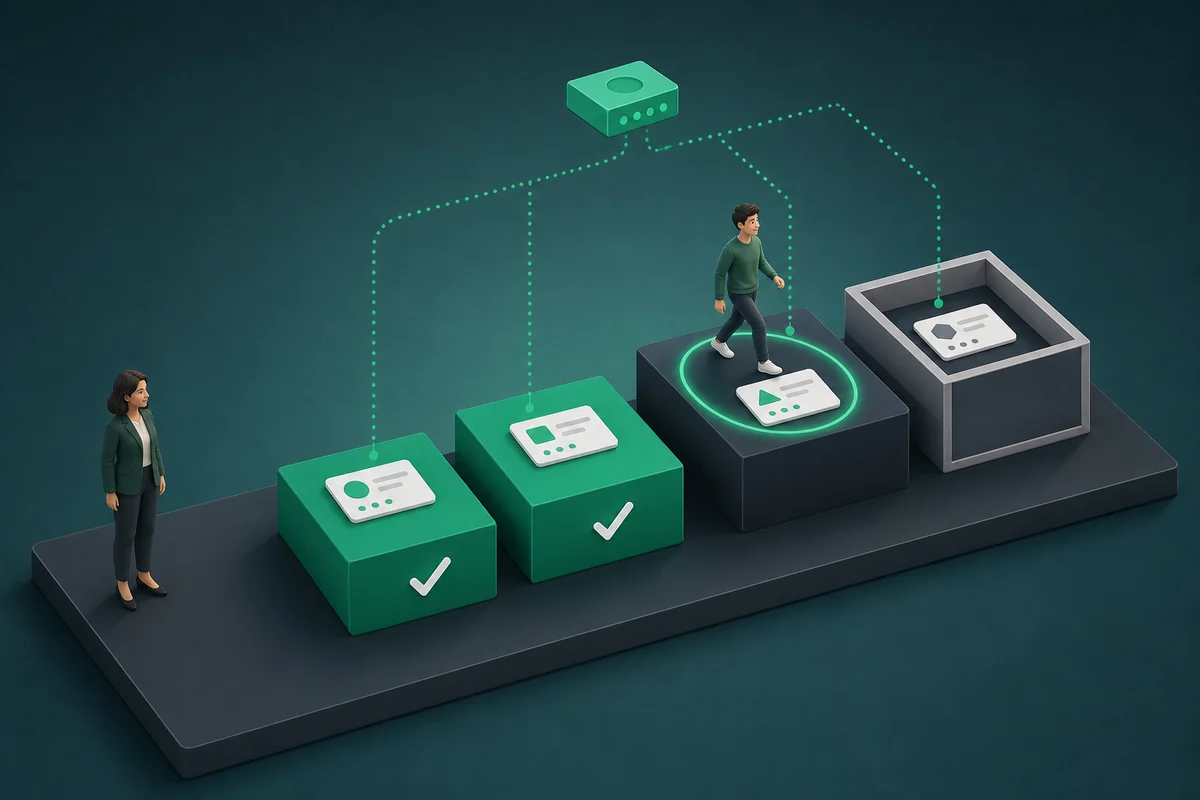
Assignment. A programme is given to a role, a team or a person. "Whoever wants to watch" does not work for mandatory training. Orientation, exams and certificate renewal are tied to dates.
Tracking. Who started, who is late, who completed. Without that table, training turns into an email thread.
Measurement. Quizzes, exams, practical tasks. "Watched" and "can do it" are not the same. The LMS records the second.
Records. Who finished which version on which day. An audit asks for that row, not for the slide deck.
learn.place sets those four jobs up through use cases: onboarding, a customer academy, licence renewal. Not a feature list. Work that already exists.
What an LMS is not
The mix-up usually comes from three boxes.
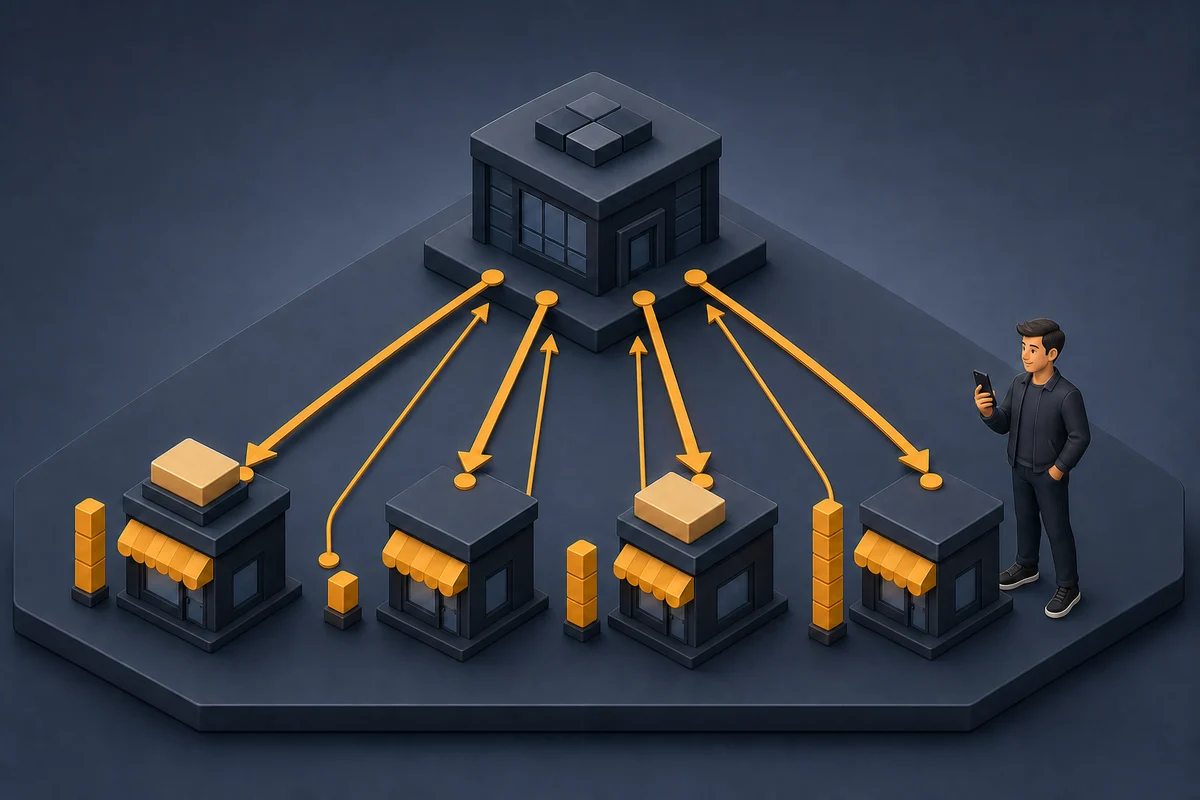
File sharing. A drive moves a file. It may know who opened it. It does not know who understood it or who passed the exam.
A live-class tool. Meeting software carries the moment. A recording may remain. Assignment, retakes, certificates and a path by role are not its first job.
A marketplace. A Udemy-style storefront is strong at discovery and payment. A mandatory pack for employees, isolated branches, and sign-in under your brand are not the default there.
When you need an LMS
If two of the lines below are already true, it is time to talk about an LMS:
- The same training has to be taken by many people, again, on a date
- A pass/fail or a certificate is produced
- Managers keep asking who is missing
- Content changes every month; someone who watched the old version misses the new rule
- Employees, customers or partners enter through different doors but need the same spine
An LMS is overkill for a one-off presentation. Share the file. Email is overkill for a repeating operation. Software should carry that operation.
What to look at when you choose
Before the "AI" line on the brochure, these four questions are enough:
- Whose domain does the learner enter? Your brand, or the platform storefront?
- Is there mandatory assignment and a late list?
- Do exam questions live in a bank, or is every exam a separate form?
- Can "who, which version, which day" leave the system as a record?
Those answers are opened family by family in LMS alternatives. Short version: open source, marketplace and corporate LMS do not do the same job.
Software does not write the content
An LMS is a store and an operating layer. Policy, work instructions and exam rules are yours. Software stops them from going missing. With no content, an empty LMS is still empty. With no process, a full library is still blind.
Set the LMS up around the work, from a ready programme
Go to use cases